MTA UX/UI Redesign
.avif)
Project Overview
Striving for continuous improvement and committed to public quality service, this is The Metropolitan Transportation Authority.
Challenge
The MTA has a lack of structure and consolidation with their digital products, which is very confusing, inaccessible, and frustrating for users.
Solution
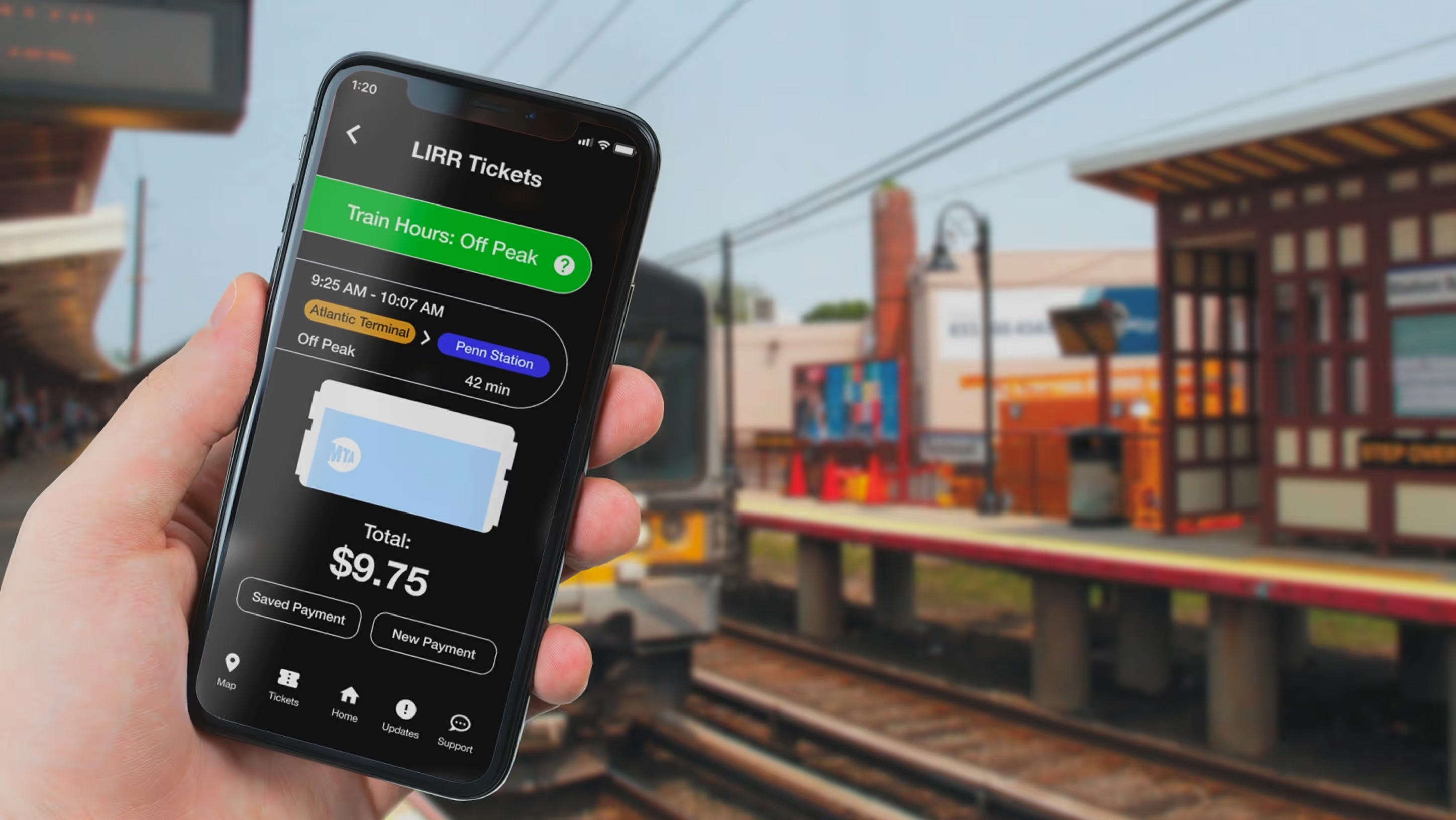
Provide a consolidated mobile app, an accessible electronic kiosk, and a digital bus hub and pole for efficiency and easy access.
The Process
Problem Statement
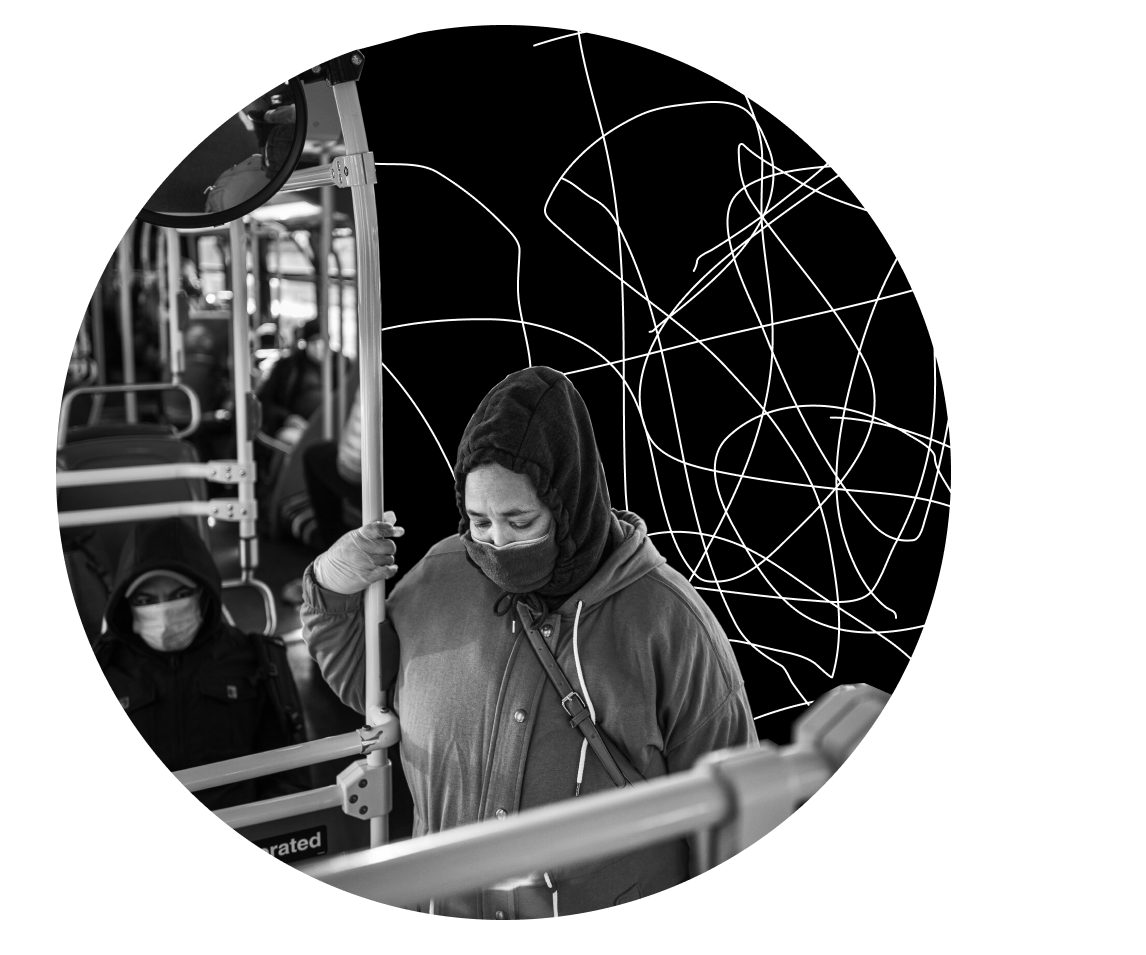
Our design objective is meant to optimize the process of receiving information on MTA service, schedules, routes, and news. We are dedicated to providing a more conscious experience as we strive to expand our role in the lives of commuters.
Opportunity Statement
1
We plan to eliminate service uncertainties and alleviate the stress of trip planning.
2
We intend to quickly resolve on-site confusion when commuters are faced with service changes or lost.
3
We aim to ensure the comfort and loyalty of commuters during long waiting periods and delays.
The Solutions

Braille Kiosk
Users with visual and hearing disabilities will be able to use this mini electronic braille tablet. The dimensions of the tablet are 9.75 x 7.03”. With vibrational technology and braille keyboard, users will be able to use braille easily. They also have the audio option that they can use for more accessibility.
.gif)
.gif)
.gif)
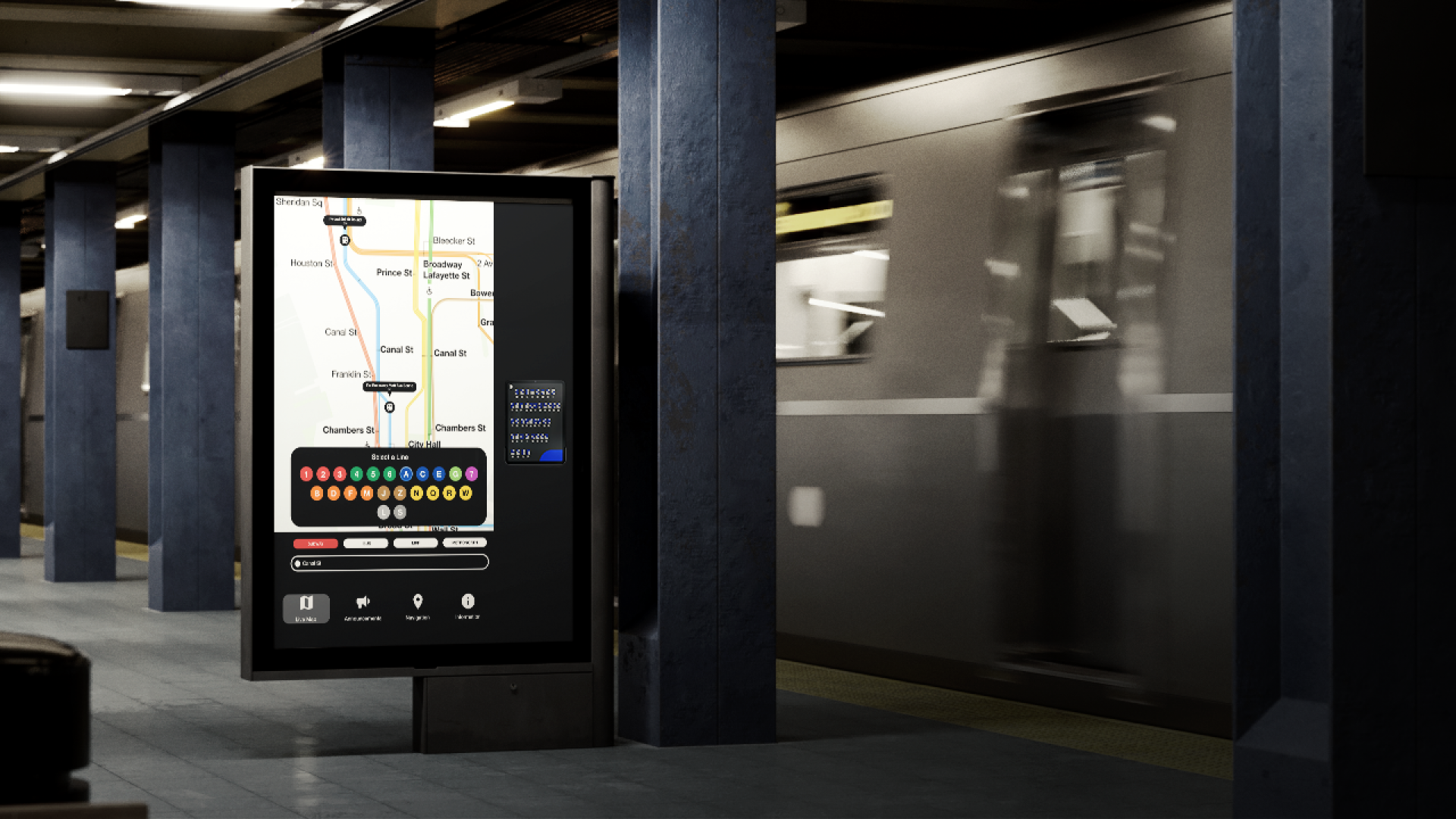
Regular Kiosk
A new accessible digital train station system to alleviate service confusion among passengers of all backgrounds.
.gif)
.gif)

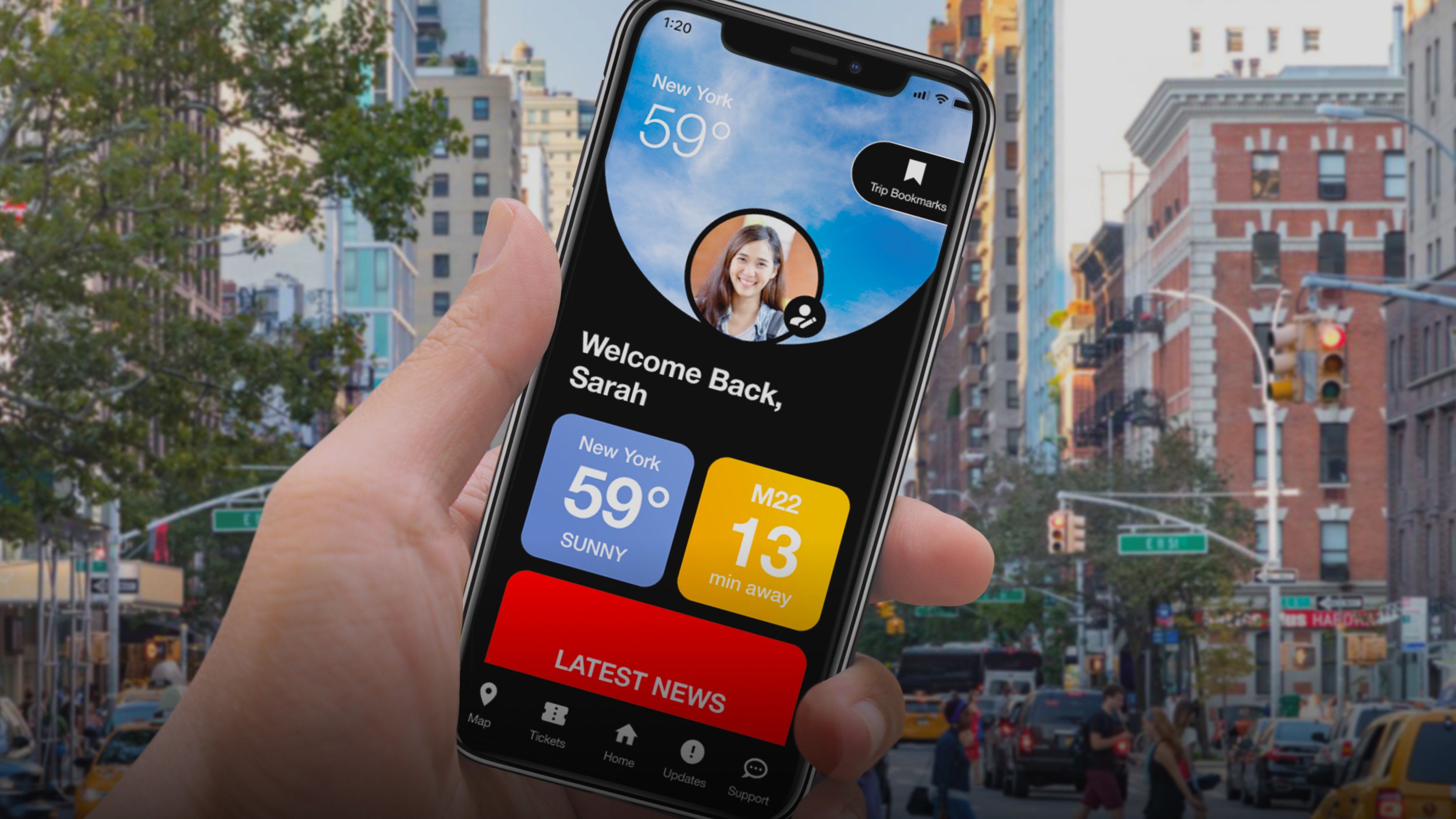
MTA Riders - Mobile App
A consolidated app meant to make trip planning more efficient for out of state commuters.
.gif)
.gif)
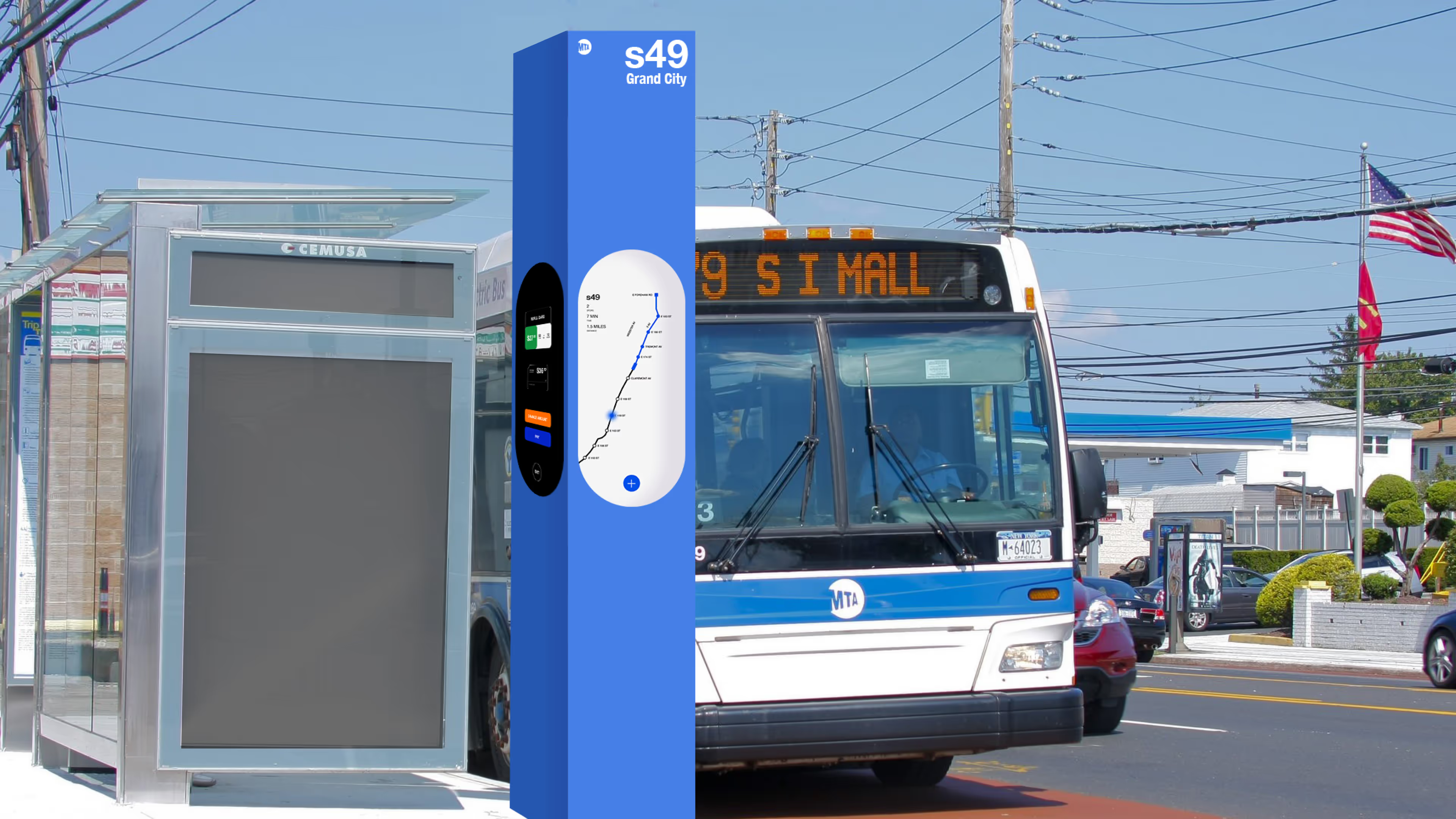
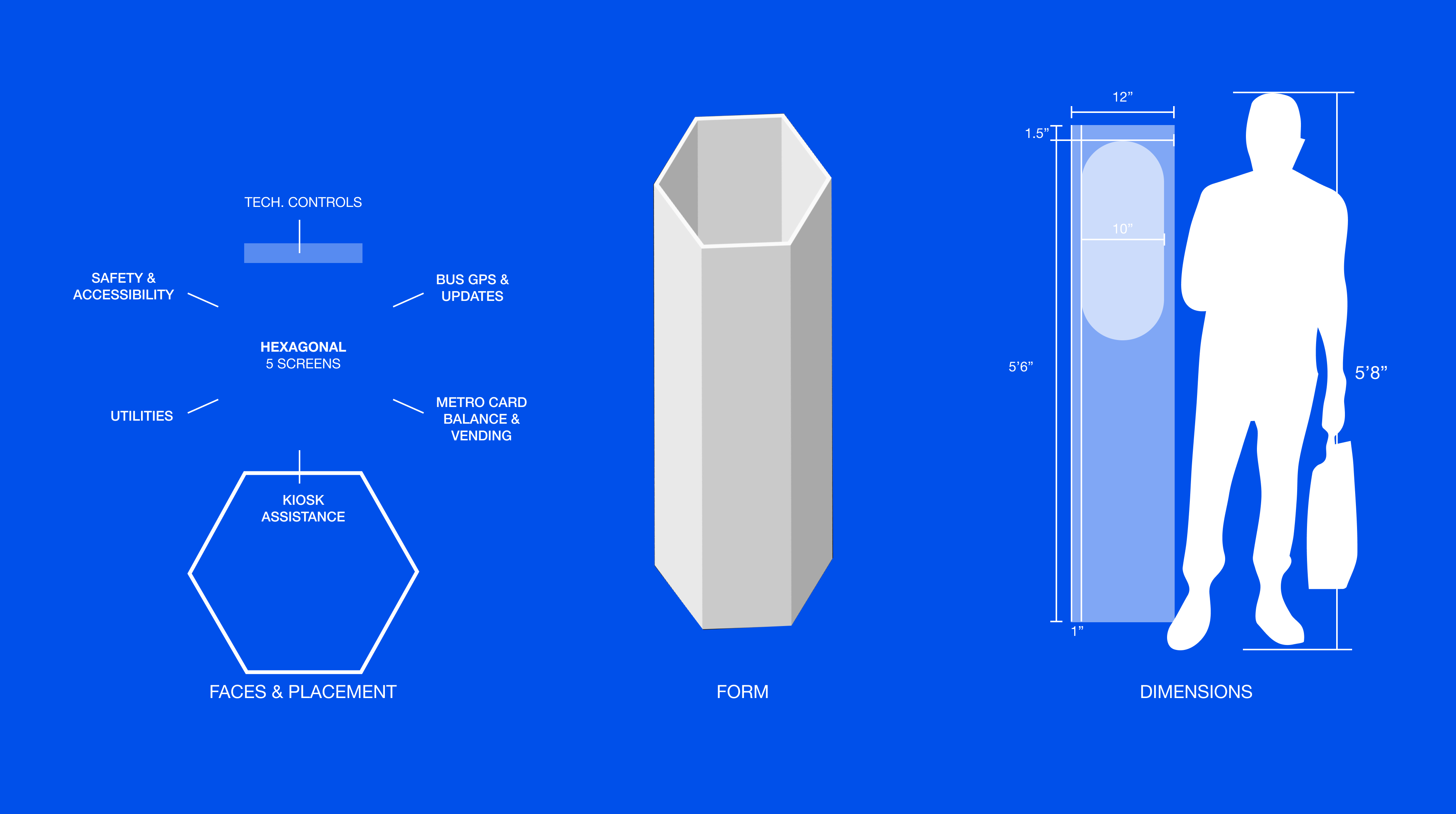
Bus Pole
A renovation of the MTA bus experience through interactive information and accommodating transit resources.
.gif)
.gif)
The Design System
Colors
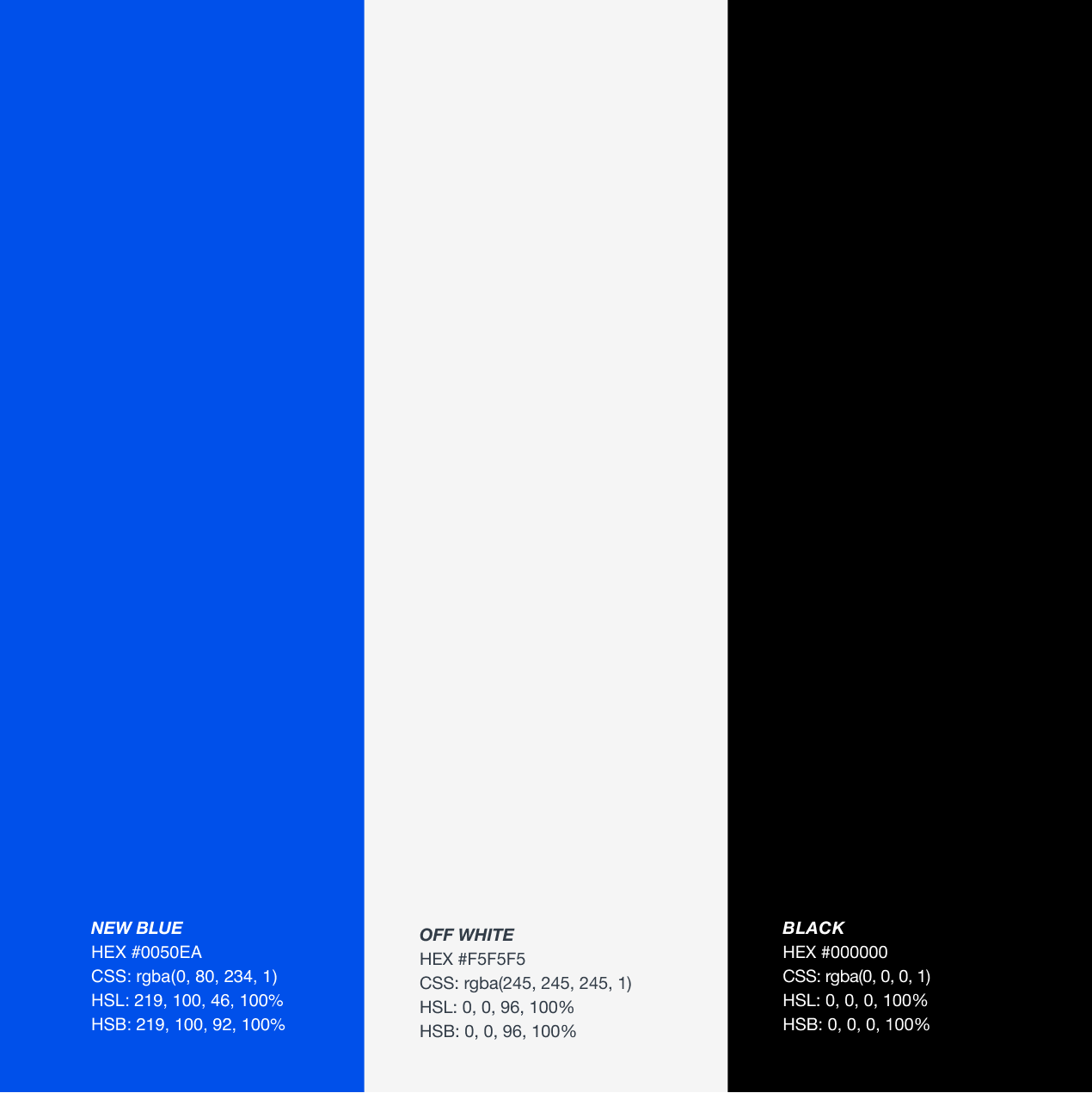
Primary
The main brand colors.
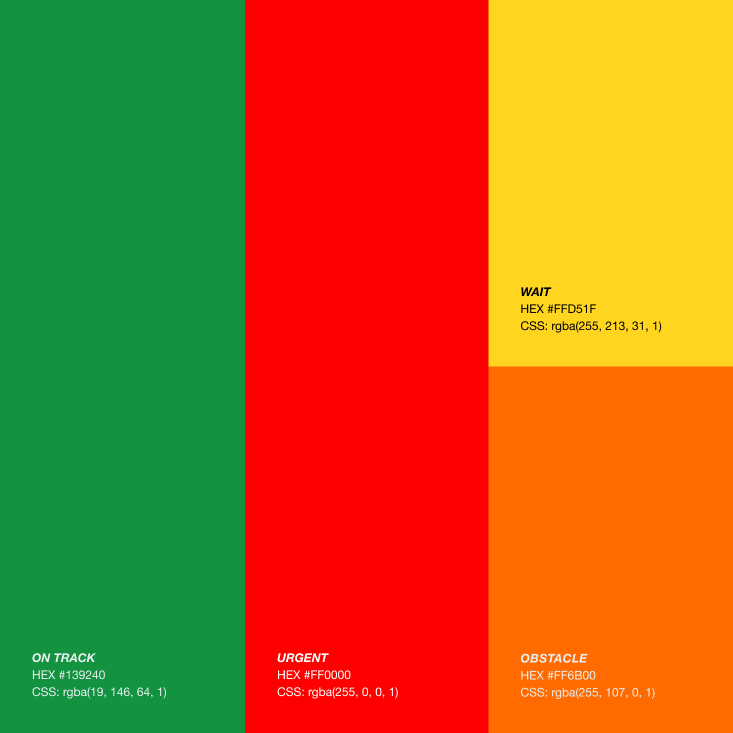
Secondary
Supportive colors used for signals.
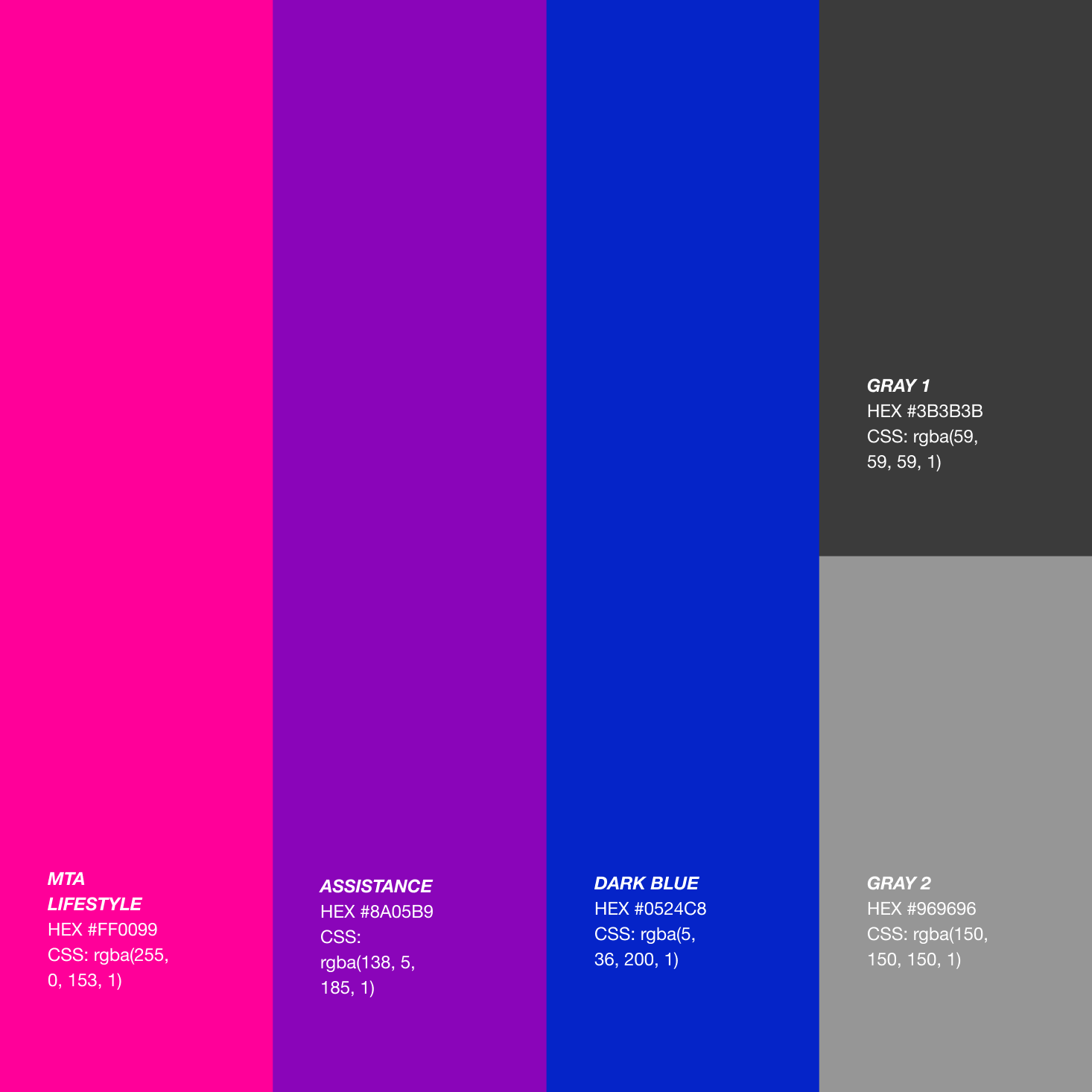
Tertiary
Additional colors used for accents.
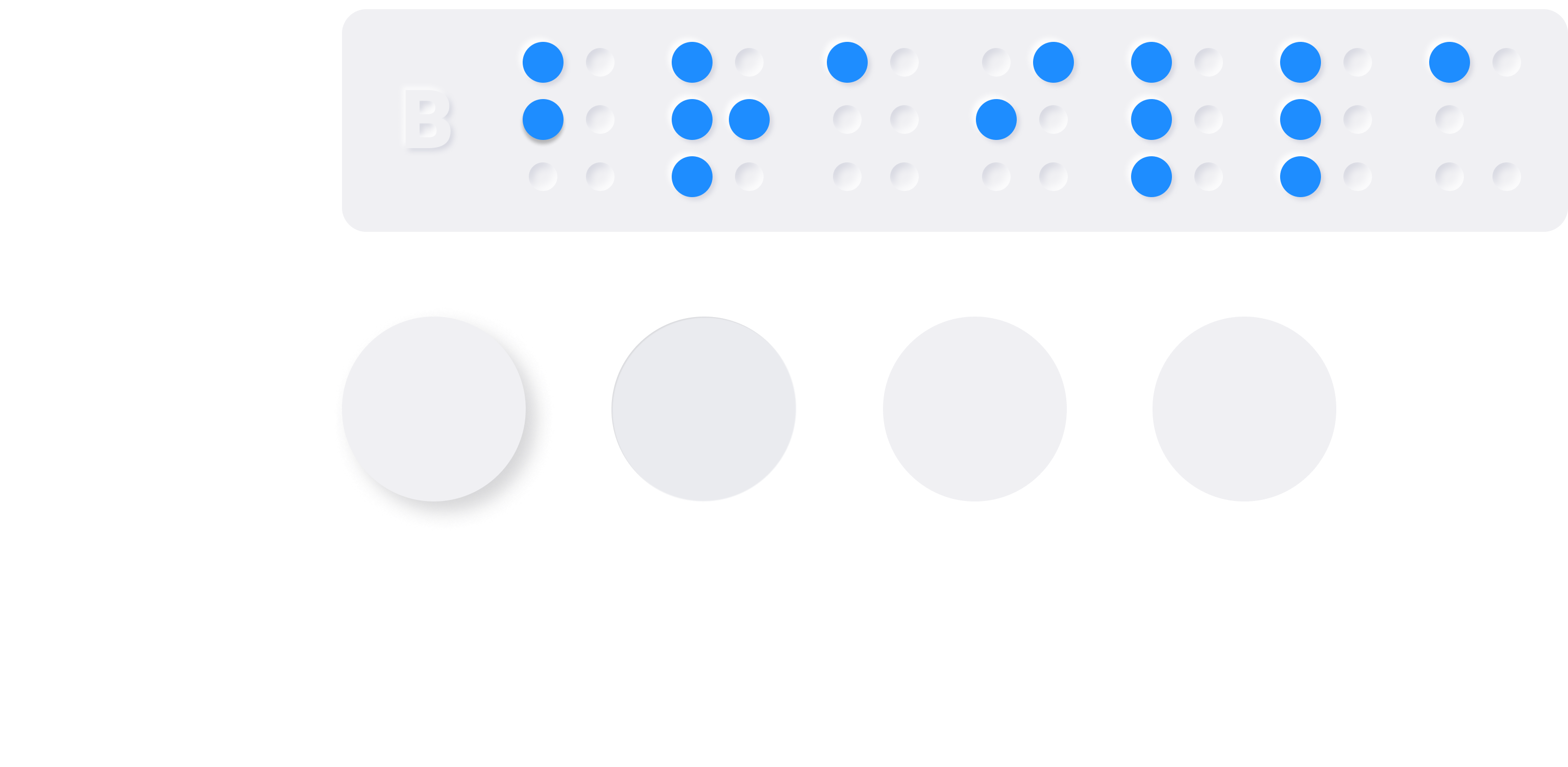
Typography + Braille
Takeaways
The secret to a great group project is clear communication. Our entire group communicated together very well even though we were remote, which is quite difficult. Our great communication carried our project!
Credit
Design by: Gianelle Leger, Mimi Buan, Sophie Tatarchuk, Miguel Gaspar
Course: CT304
Professor: Christie Shin
Disclaimer - Please note: This classroom project was created for the course “CT304 Design Systems for UX & UI.” This is purely for educational purposes and I do not claim any textual information and/or photos.